Why your chatbot feels robotic to users
You can usually tell a robotic bot in the first few messages: it greets warmly, then immediately starts interviewing the user with rigid questions, repeats their words back, and asks for “more details” without explaining why. The problem is rarely “bad AI” and more often missing conversation decisions—what the bot is trying to accomplish in this turn, what it already knows, and what it can safely assume.
Robotic tone also shows up when the bot treats every path like a form: too many confirmations, canned empathy, and long policy disclaimers. The fix isn’t to make it chattier; it’s to make it purposeful, with fewer dead-end questions and more forward progress. That takes design time, and it can increase scope if you need real data or handoffs.
Define “natural” for your use case before tuning
A bot can sound “natural” in support and still feel wrong in sales, onboarding, or internal ops. Before you tune prompts or rewrite scripts, decide what “natural” means for this specific job: speed over warmth, confident guidance over open-ended chatting, brief confirmations over elaborate explanations. A password-reset bot should be direct and predictable; a travel-planning bot can be more exploratory without frustrating people.
Write down a few rules you can actually test: preferred reading level, sentence length, how often it asks questions, whether it offers options or makes a recommendation, and how it handles uncertainty (“I can do A or B—tell me which you prefer” versus “Please provide more details”). This definition becomes your north star when trade-offs show up, like stricter safety guardrails that force more refusals, or limited backend data that prevents personalized answers.
Get context right: memory, state, and personalization limits
Users notice context failures faster than they notice phrasing. They’ll forgive a slightly stiff sentence, but not having to re-explain their order number three times or being asked for info they already gave. Start by separating what should persist (account status, plan tier, language preference) from what’s just session state (the item they’re returning, the dates they picked). Then make the bot explicit about what it’s using: “I see you’re on the Basic plan—here are the options,” not vague “Based on your profile…” that can feel creepy or wrong.
Be realistic about personalization: memory can be incomplete, outdated, or legally off-limits, and retrieval can fail. Design graceful fallbacks: restate the known facts, ask one targeted question, and offer a default path (“If you don’t have the order ID, we can look it up by email”). The cost is extra integration work and ongoing data hygiene, but it prevents the most robotic behavior: looping clarifications.
Design better turns: fewer interrogations, more progress
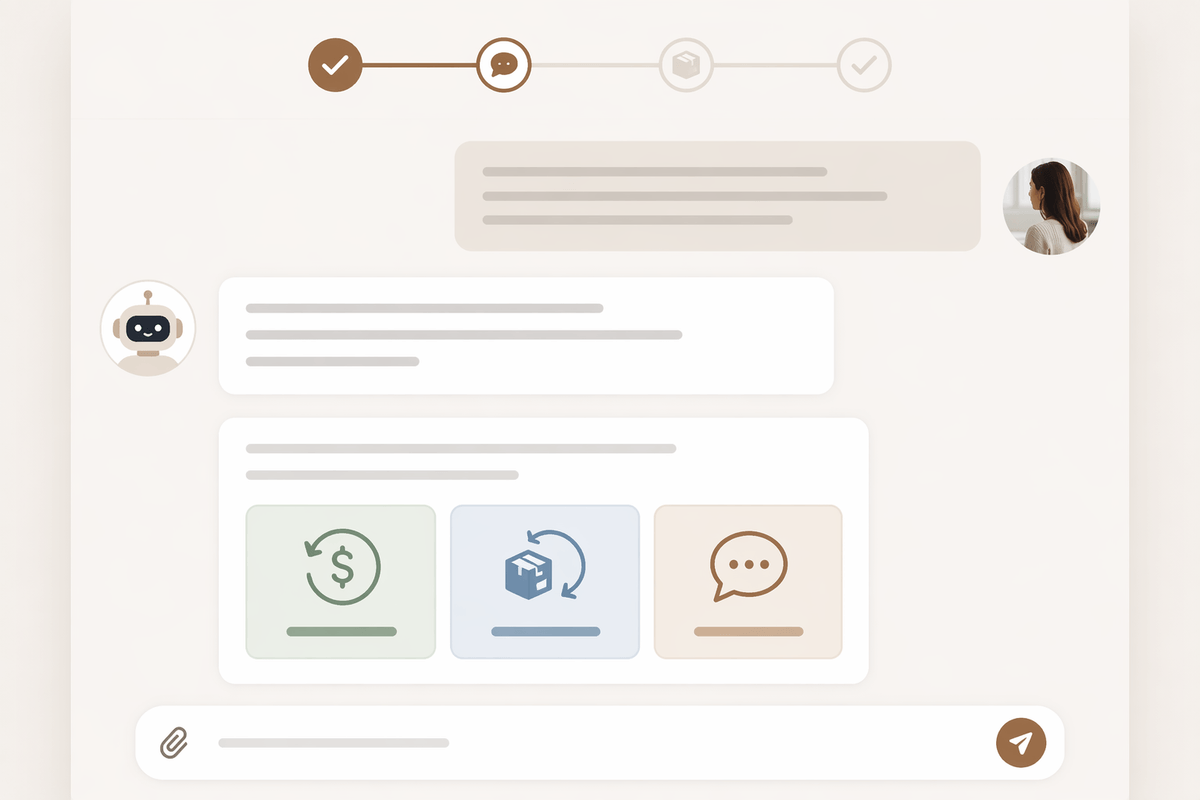
Think about how people actually ask for help: they describe a problem, and the other person tries one useful step before asking a follow-up. Your bot should do the same. Replace “What is your issue?” with a progress move that uses what you already know: “I can help with refunds or exchanges. Which one are you trying to do?” If the user’s request is broad, offer two or three likely paths and let them pick, rather than forcing a long questionnaire.
When you do need a question, make it single-purpose and explain the payoff. “What’s your ZIP code?” feels like an interrogation; “What’s your ZIP code so I can show local appointment times?” feels justified. Aim for one question per turn, and bundle only when the user can answer in one shot (like a date range plus location). This is harder when your backend needs strict fields; you may need extra parsing, defaults, or a short handoff to a form for edge cases.
Use prompts and style guides that survive real conversations
You’ll feel the difference when your team stops “prompt tweaking” in isolation and starts using a shared style guide the model can actually follow under pressure. Write it like operating rules, not brand poetry: preferred greeting (or none), maximum length, when to use bullets, what counts as a valid confirmation, and a short list of approved phrases for uncertainty (“I can check that—what’s your order number?”) versus forbidden ones (“As an AI…”). Add a few example turns that include messy user inputs: typos, partial info, and multiple requests at once.
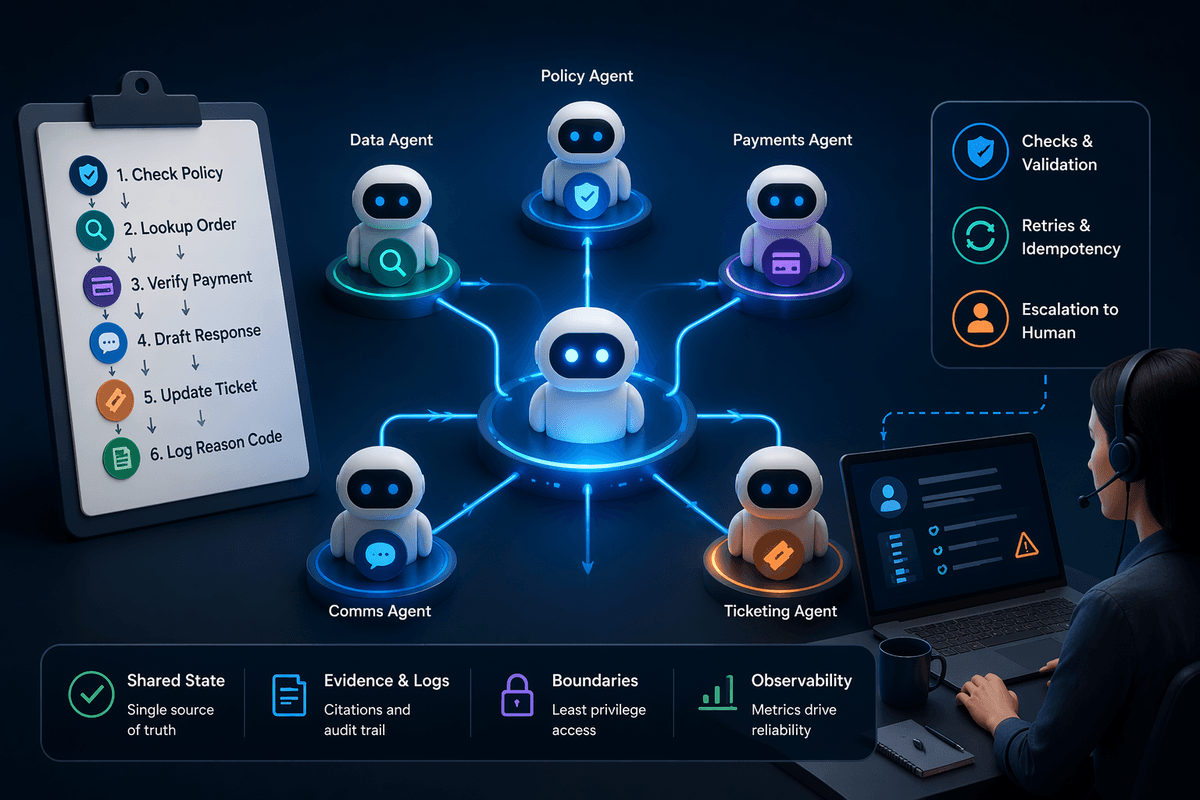
Make prompts resilient by separating stable behavior from per-request details. Keep a fixed system prompt for voice, safety, and turn-taking, then inject dynamic context (account status, known fields, tool results) in a structured block. The longer prompts and more examples cost tokens and latency, so prioritize the rules that prevent bad loops—asking one question at a time, stating assumptions, and offering a default path when data is missing.
Blend tools and structured data without sounding stiff
You feel stiffness most when the bot switches from “conversation” to “system”: it pastes raw database fields, dumps an API error, or asks for inputs in the exact order your backend expects. Treat tools as silent helpers. Convert tool output into a user-facing sentence with one clear action: “Your order from June 18 is eligible for return until July 18. Want a prepaid label or a drop-off code?” Keep identifiers in the background unless the user needs them, and prefer labeled summaries over JSON-shaped phrasing.
When structured data is incomplete, don’t expose the schema. Ask for the missing piece in plain language, explain why, and offer an escape hatch: “I can book that, but I need a city to show available times. If you share your ZIP code, I’ll pick the closest location.” The tool calls add seconds and sometimes return nothing, so you need a fast fallback that still moves the conversation forward.
Handle mistakes gracefully: recovery, refusal, and handoff

A natural bot doesn’t pretend it never fails; it recovers without making the user do all the work again. When something goes wrong, say what happened in plain language, keep it short, and propose a concrete next step: “I couldn’t find that order with the number you sent. If you paste the email used at checkout, I can search that way.” Avoid generic “try again” loops by changing the question or offering a fallback path.
Refusals should be specific about what you can do instead, not a policy dump. “I can’t help with that request, but I can explain the account recovery steps or connect you to support.” For handoffs, treat them as part of the conversation: summarize what the user asked, include key details already collected, and tell them exactly what happens next (wait time, channel, what to prepare). You need staffed coverage and clean transcripts, or the handoff feels like a dead end.
Evaluate what users actually experience, then iterate
You can’t tune “natural” from a conference room. Watch real transcripts and replays, then score the moments users feel friction: repeated questions, delayed tool results, unclear next steps, and tone shifts after refusals. Start with simple metrics you can track weekly—task completion, time-to-resolution, “clarification turns per solved case,” escalation rate, and user-rated helpfulness—then review the worst 20 conversations, not just averages. Make changes in small batches (one prompt rule, one turn template, one fallback) and A/B them. The annotation and review take effort, so keep a lightweight rubric and rotate reviewers.