Why your AI-written posts feel ‘fine’ but don’t win clicks (yet)
You hit “generate,” skim the draft, and it’s not bad. The sentences read clean. The headings look SEO-friendly. But once it’s live, it sits there—few impressions, fewer clicks, and almost no leads.
That usually happens because the post matches a keyword, not a reader’s reason for searching. It covers the topic in the same safe order everyone uses, avoids specifics that might be wrong, and skips the proof elements people trust (examples, numbers, screenshots, clear do/don’t guidance). “Fine” becomes invisible.
The fix isn’t writing harder. It’s getting clear on what high-performance SEO content actually looks like before AI writes a single line.
What “high-performance” SEO content looks like in the real world
High-performance SEO content is what you see when you click a result and stop shopping around. It answers the question you actually had, in the order you need it, and it helps you make a choice without guessing. If someone searches “best CRM for nonprofits,” they don’t want a history of CRMs. They want constraints, comparisons, and a recommendation path.
In practice, that means: a tight promise in the title, an opening that confirms the situation, and sections built around decisions (cost, setup time, integrations, risks). It also includes proof: specific examples, basic math (“$49/user/month becomes $2,352/year for 4 seats”), screenshots, or short templates people can reuse.
You’ll spend less time polishing paragraphs and more time collecting details that make the post trustworthy—then AI becomes useful instead of generic.
Choosing a topic people are actually searching for (before you open a chat)

That “collecting details” work gets wasted fast if the topic itself doesn’t have real demand. A common pattern: you publish a thoughtful post on something you care about (“how we use AI in our marketing”), then discover the search version is phrased differently (“AI content workflow,” “SEO content brief template,” “programmatic SEO examples”). People weren’t avoiding your content. They weren’t looking for it.
Before you open a chat, start with a short list of problems your buyers actually say out loud, then map each to a search-shaped query. Check three things: (1) the phrasing shows intent you can satisfy (how-to, comparison, template, pricing), (2) the current results are beatable with your specific proof (real numbers, screenshots, internal examples), and (3) it fits your funnel without a leap. “Best AI writer” might get traffic, but it won’t convert a company selling consulting.
If you can’t name what the searcher wants to decide by the end of the article, the topic isn’t ready—yet.
When your prompt keeps ‘missing it’: translating intent into a usable brief
If you can’t name what the searcher wants to decide, your prompt will keep “missing it” in the same way. You’ll ask for “a post about SEO content briefs,” and the model will return a generic explainer because you never told it what the reader is trying to do, what they already know, or what “good” looks like on the page.
A usable brief starts by translating intent into a job. Write one line: “After reading, the searcher can ____.” Then add constraints: audience (in-house vs. founder), context (“we publish weekly and need a repeatable template”), and decision factors (speed, accuracy, approvals, tools). If the query is “SEO content brief template,” the job might be “fill in a brief in 15 minutes that a writer can execute without rework.” That immediately changes the sections you need.
The friction is specificity: the more you pin down, the more you can be wrong. Solve that by giving the model your boundaries (what you won’t cover), plus 3–5 proof inputs you already have (a real example brief, common reviewer comments, one metric you track). With that, the outline can follow decisions instead of a keyword checklist.
The outline that follows a reader’s decision path (not a keyword checklist)
That’s the shift: your outline shouldn’t “cover the topic,” it should walk a person from where they are to the choice they’re trying to make. In real searches, people skim for the moment they recognize themselves (“I’m the one who needs a brief my CEO won’t kick back”) and then look for the next step, not the next synonym.
Build the outline like a decision path. Start with the situation and the constraint (time, budget, risk). Then add the fork: “If you have a writer already, do X; if you’re drafting with AI, do Y.” Follow with the checks they’ll use to judge the result (what ‘good’ looks like, common failure modes, a quick example). Save “definitions” for later, or drop them.
The trade-off is that this structure won’t match every related keyword, and that’s fine. A tighter path often ranks better because it keeps people reading, clicking, and trusting—then you can layer on the on-page elements that help Google and humans agree.
Drafting fast without publishing fluff: what you must add that AI can’t
That trust is where AI drafts usually fall apart: the model can write cleanly, but it won’t know what’s true for your business, your customers, or your product today. So you end up with “best practices” paragraphs that sound right and still don’t help a reader choose. Draft fast anyway—just decide what AI does (structure and first-pass wording) and what you must supply (proof and stakes).
Start by generating the draft from your decision-path outline, then immediately add three human-only blocks: (1) a specific example from your world (a real workflow, a before/after, a short template), (2) one concrete constraint with numbers (time, cost, staffing, error rate), and (3) a “what goes wrong if you do this wrong” section with do/don’t guidance. If you can’t add those, don’t publish yet. A generic post is a quiet way to burn credibility.
The more you add screenshots, internal data, and named tool steps, the more review you may need. That’s still cheaper than rewriting after comments—or ranking for a query that never converts.
On-page SEO that doesn’t tank readability: titles, headers, links, and ‘proof’ elements
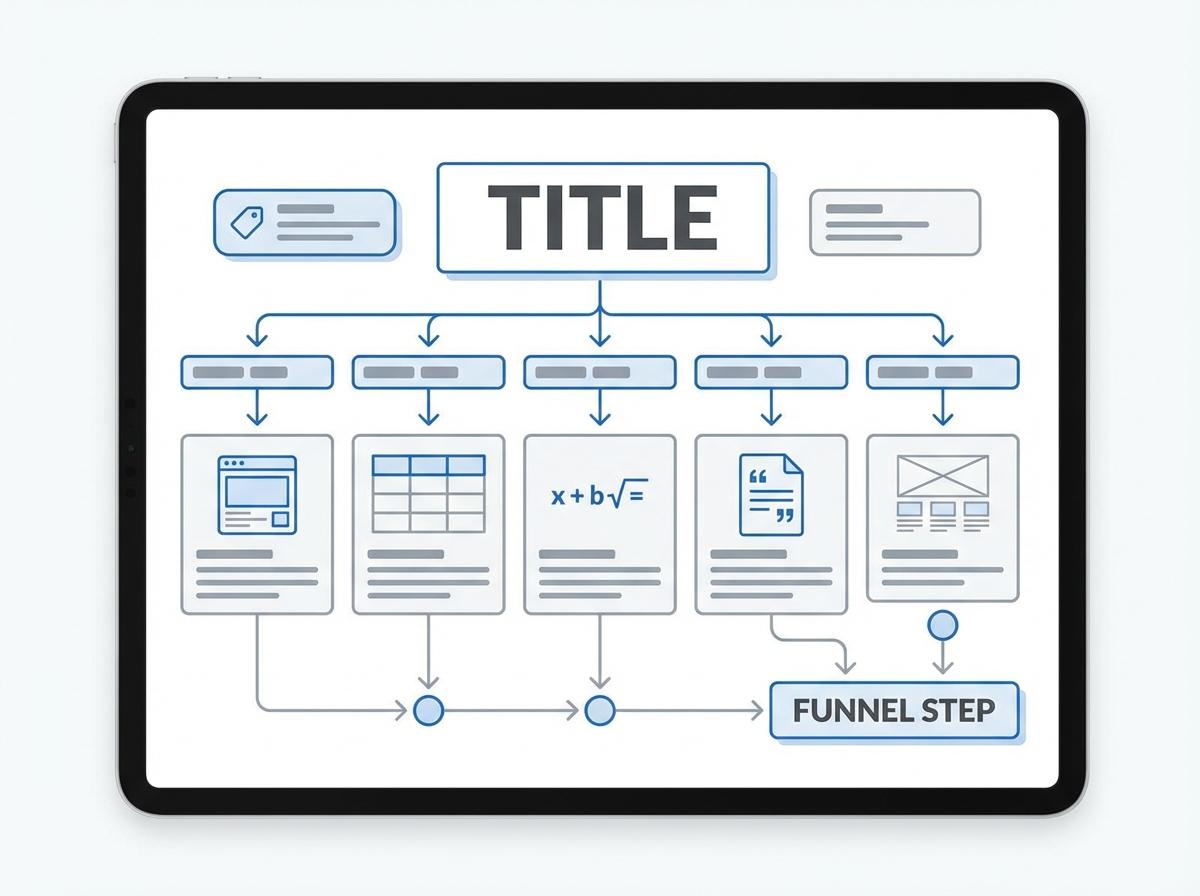
If you’re worried about ranking for a query that never converts, don’t “SEO” the post by stuffing more keywords into it. Most on-page wins come from making the page easier to scan and verify. Start with a title that makes a clear promise and includes the exact phrasing people search, then add one clarifier that filters the right reader (“…for in-house teams,” “...template,” “...in 15 minutes”).
Use headers as signposts for decisions, not synonyms. If a section helps someone choose (pricing, setup time, risks), name it that way. Internal links should send readers to the next step in your funnel (pricing, case study, setup guide), not to random “related” posts. Add proof elements where doubt spikes: a screenshot of the workflow, a short table, a math line, a quoted policy, or a copy-paste template.
The friction is clutter. If you add proof without trimming, readability drops. That’s why a fast QA pass matters before you hit publish.
A pre-publish QA pass that prevents rewrites (and keeps you consistent)
Clutter shows up right before publish: a stronger title, extra links, a screenshot, then three new paragraphs to “explain” it all. Do a final QA pass that checks the page like a skeptical reader, not like the writer. If someone can’t answer “is this for me, and what do I do next?” in 20 seconds, tighten the opening, simplify headers, and cut anything that doesn’t support the decision path.
Then run a consistency checklist: verify every claim you’d hate to defend on a sales call, update dates and tool steps, and make sure examples match your actual process today. Check internal links for the next logical action, confirm tables and screenshots are legible on mobile, and scan for repeated filler (“best practices,” “in today’s world”). The trade-off is time, but this is cheaper than post-launch rewrites—and it keeps your content voice steady as you scale.